
Find the answer. Get back to the email.
Search setup, tracking, campaigns, documents, signatures, workflows, teams, integrations, AI, billing, privacy, and troubleshooting.
Browse by topic
Getting started
Install, connect your inbox, and send your first tracked email.
7 articlesElite Mail Suite features
Make the most of tracking, campaigns, contacts, documents, signatures, workflows, integrations, and AI.
57 articlesTroubleshooting
Find a fix for sending, tracking, checkmarks, and notifications.
36 articlesGDPR, privacy & security
Understand permissions, recipient rights, and your data.
19 articlesFrequently asked questions
Clear answers to the details that come up along the way.
62 articlesContact us
Share a question, report a problem, or get a useful next step.
1 articleElite on your smartphone
Install Elite for iPhone, iPad, or Android, or track email inside Gmail mobile.
1 articleSubscriptions, payments & billing
Manage your plan, payment method, team seats, and invoices.
14 articlesTHE QUESTIONS WE HEAR MOST
Popular articles
- What is Elite Mail Suite?
- How to install Elite Email Tracker
- Send your first tracked email
- Elite for iPhone and Android: what is available?
- How to contact Elite support
- An email has no tracked status or gray checkmarks
- Download an invoice or receipt
- Send a tracked email from a phone
- Remove or edit a branded email signature
- The recipient's mail service may block tracking
- Uninstall Elite from Chrome
- Can I track a plain-text email?
- Fix declined cards, processing errors, and invoice issues
SEE IT IN ACTION
A little guidance, on screen.
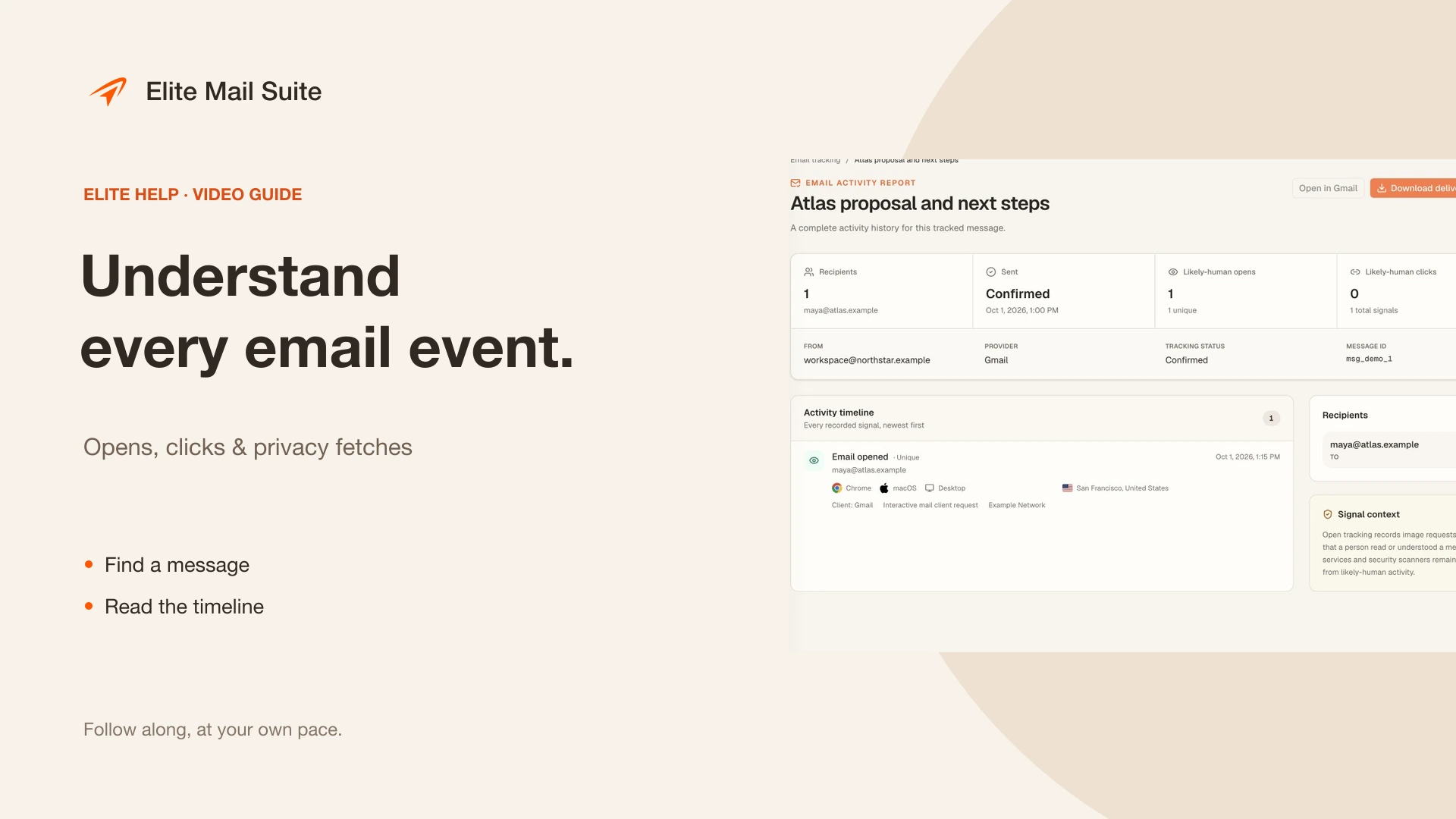 2:05
2:05Understand your email activity
Read opens, clicks, privacy fetches, and follow-ups.
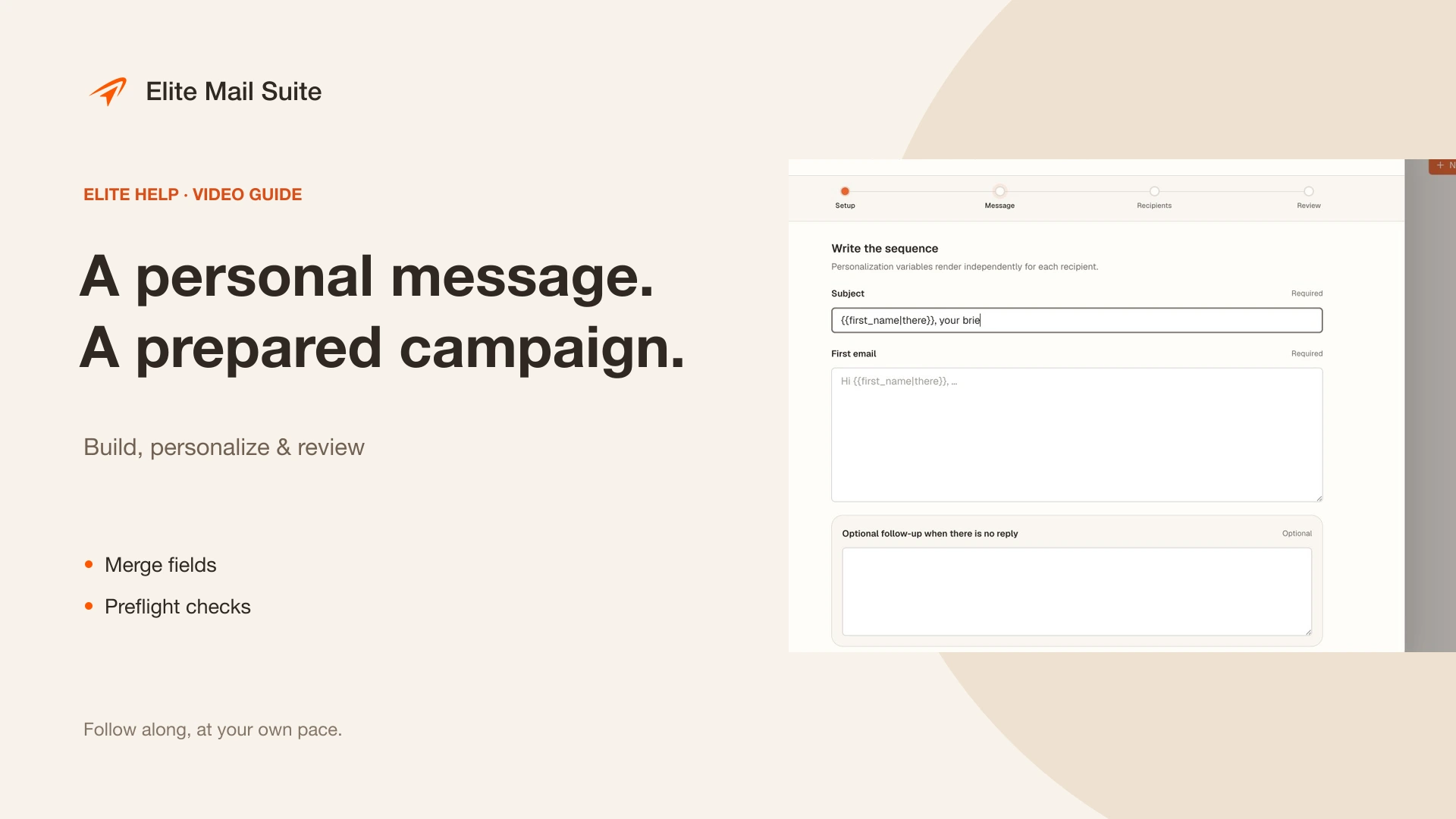 2:33
2:33Create a personalized email campaign
Prepare contacts, merge fields, and review your launch.
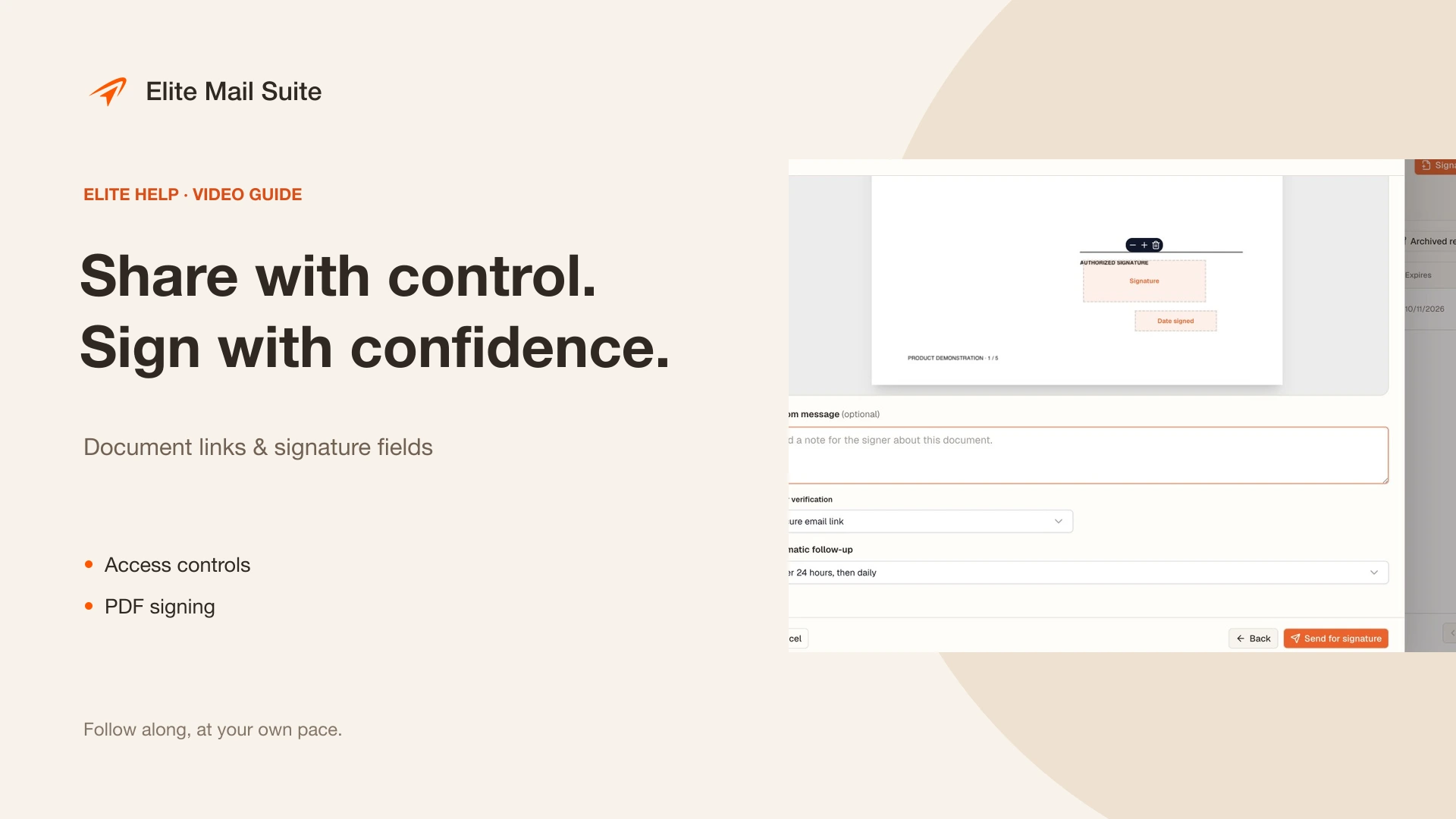 2:45
2:45Share documents and request signatures
Choose a controlled link or a PDF signing workflow.
