Take the whole follow-up loop with you.
Send tracked email, manage connected accounts, review engagement, work with contacts, and act on alerts from Android.
No credit card required · Connect your existing inboxAlready installed? Finish setup Elite Activity
- Gmail
- Outlook
Pick up the conversation wherever work takes you.
Bring your connected inboxes, contacts, classified activity, documents, signatures, and follow-ups together. Send tracked email, pick up a relationship, or act on a document from the same mobile workspace.
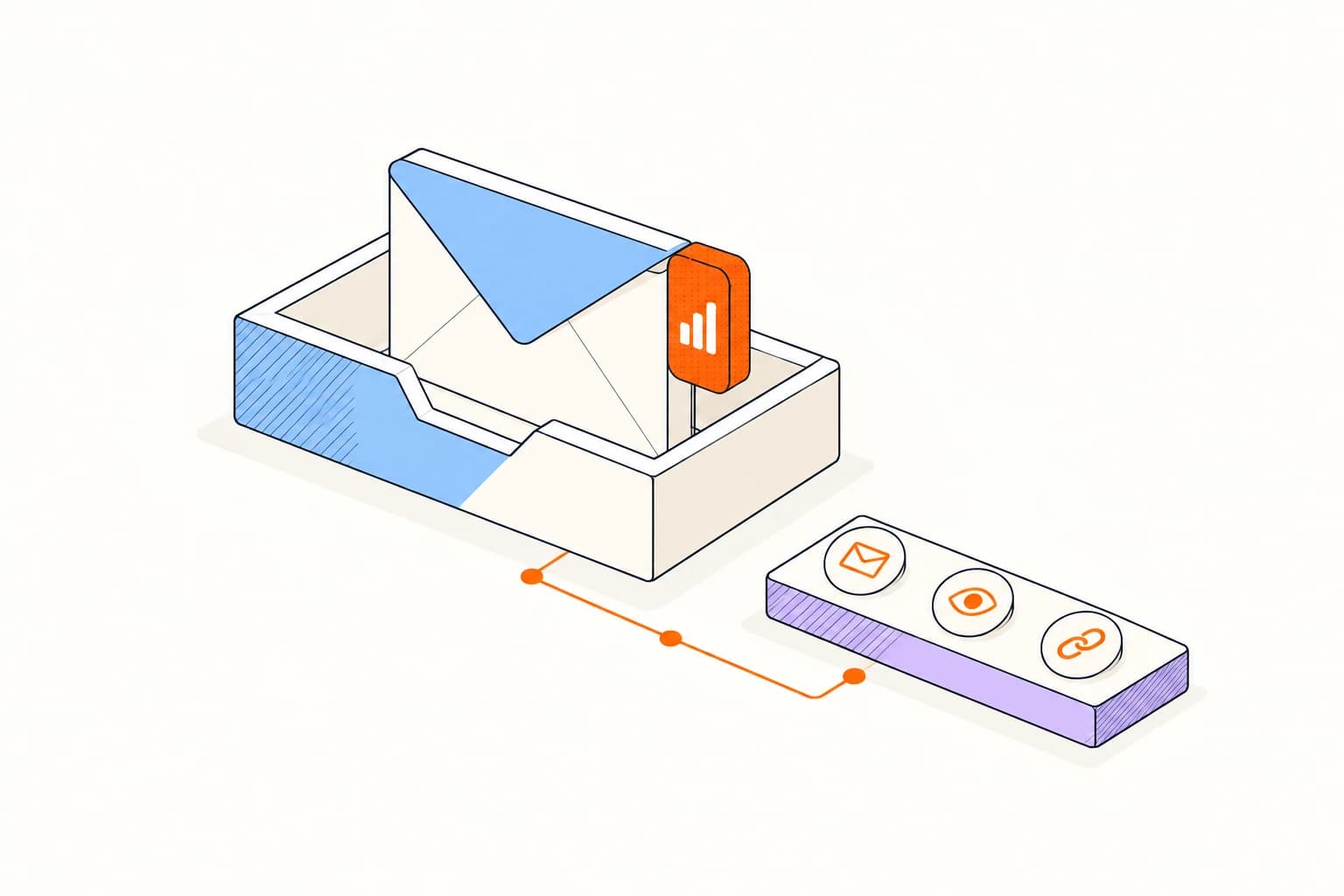
A few steps to your first tracked email.
Connect Gmail and Outlook accounts
- 01
Install Elite on your device
Get the Elite Mail Suite app and sign in with your Elite account on your phone or tablet.
- 02
Connect your accounts
Bring Gmail and Outlook accounts into the mobile workspace.
- 03
Follow up on the move
Review activity and reminders alongside the conversation.
A familiar inbox. Clear expectations.
See all platformsConnect Gmail and Outlook accounts
Elite is a separate mobile workspace for your connected accounts. To stay inside the Gmail app, choose the Gmail add-on instead.
Read about privacyA few things to know.
Answers about setup, compatibility, and everyday use.
Yes. Connect Gmail and Outlook accounts and switch between them in Elite.
Keep your next conversation close.
Connect Gmail and Outlook accounts
