Campaign review
Check the audience and personalized content before launching the campaign.
Run individualized campaigns, mail merge contact data, reuse proven content, track links, collect responses, and understand what actually gets attention.
Create a free account. Available on Pro.See plansCheck the audience and personalized content before launching the campaign.
Keep replies, shared proposals, and the next follow-up with the contact.
Review campaign delivery and responses, then share the findings and agree the next action.
Personalize the send, separate meaningful activity from automated requests, and keep campaign reporting close.
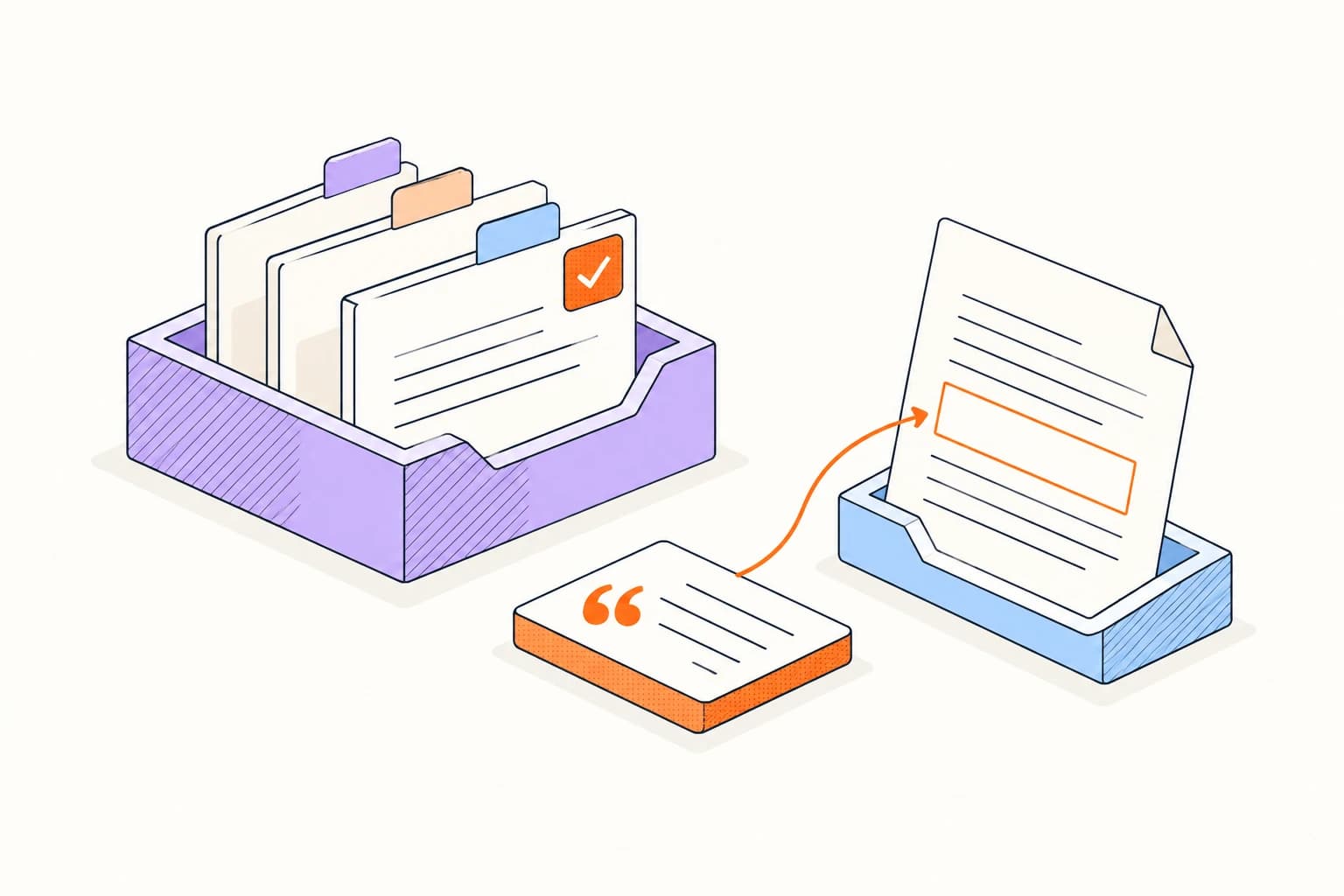
Start with approved messages and snippets, then adapt the language for the audience you want to reach.
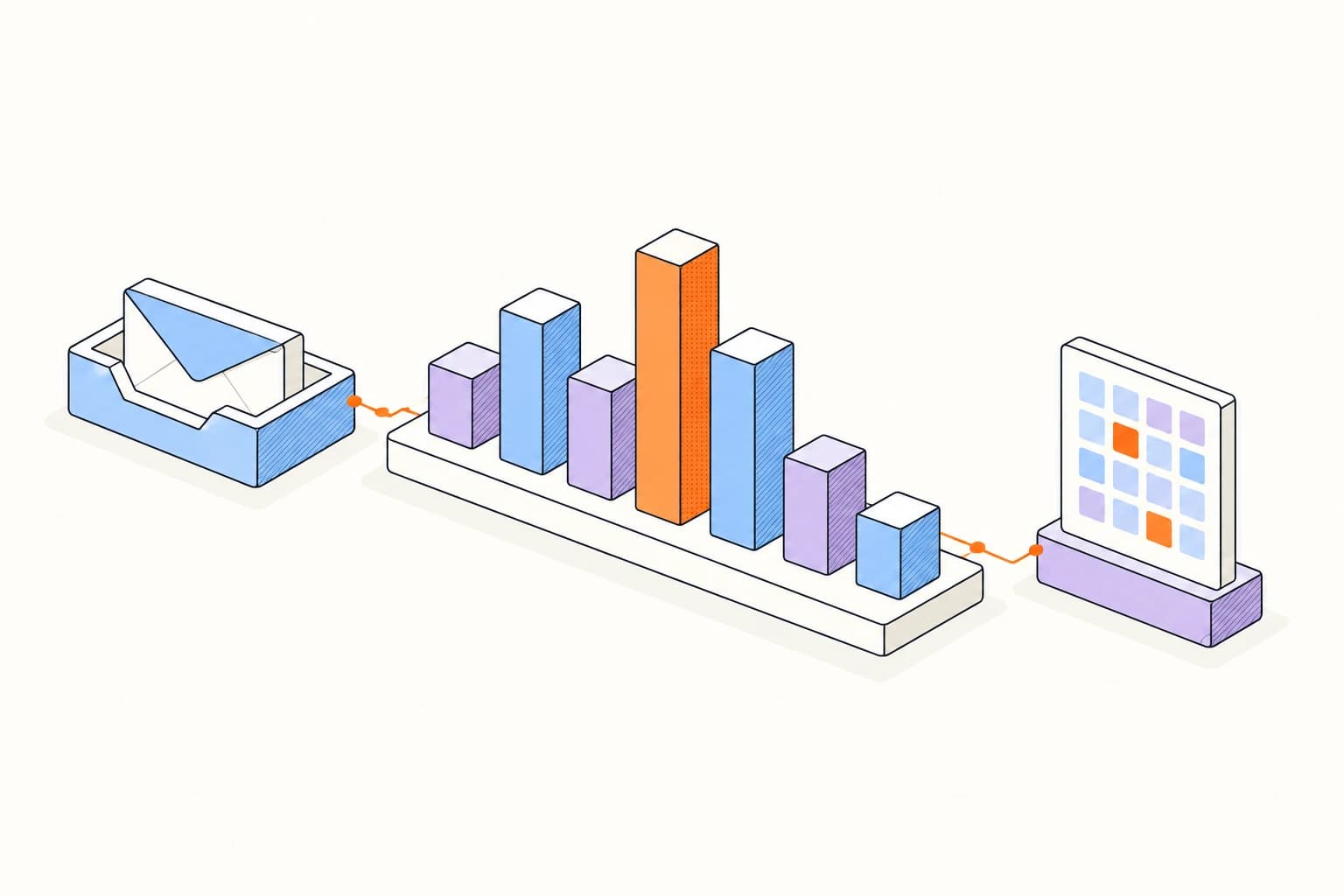
Compare activity on your briefing, booking link, and shared resources at the link level.
Choose a small contact list, connect your sender, and review the personalized message before scheduling a send.
Build your first campaignPrepare your first campaignCheck delivery first. Then give the replies your attention and use what you learn to make the next campaign more useful.
Provider-native sending is not a substitute for list permission, authentication, reputation, or responsible frequency.
Privacy proxies and scanners can distort raw open and click rates; compare classified signals and replies before declaring success.
Answers about setup, compatibility, privacy, and day-to-day use.
Campaigns send through a connected Gmail or Outlook identity; verified sender aliases can be selected when provider and deliverability requirements are satisfied.
Build your next campaign around the conversations it starts.
