Branded client communication
Send from a role or domain identity recipients recognize.
Verify a professional sender alias, choose it when sending, and keep SPF, DKIM, DMARC, and deliverability guidance visible.
Create a free account. Available on Pro.See plansVerify the address and connect your authorized Gmail or Outlook sender.
Verify a professional alias and use it with your connected Gmail or Outlook inbox. Keep the identity behind each message clear.
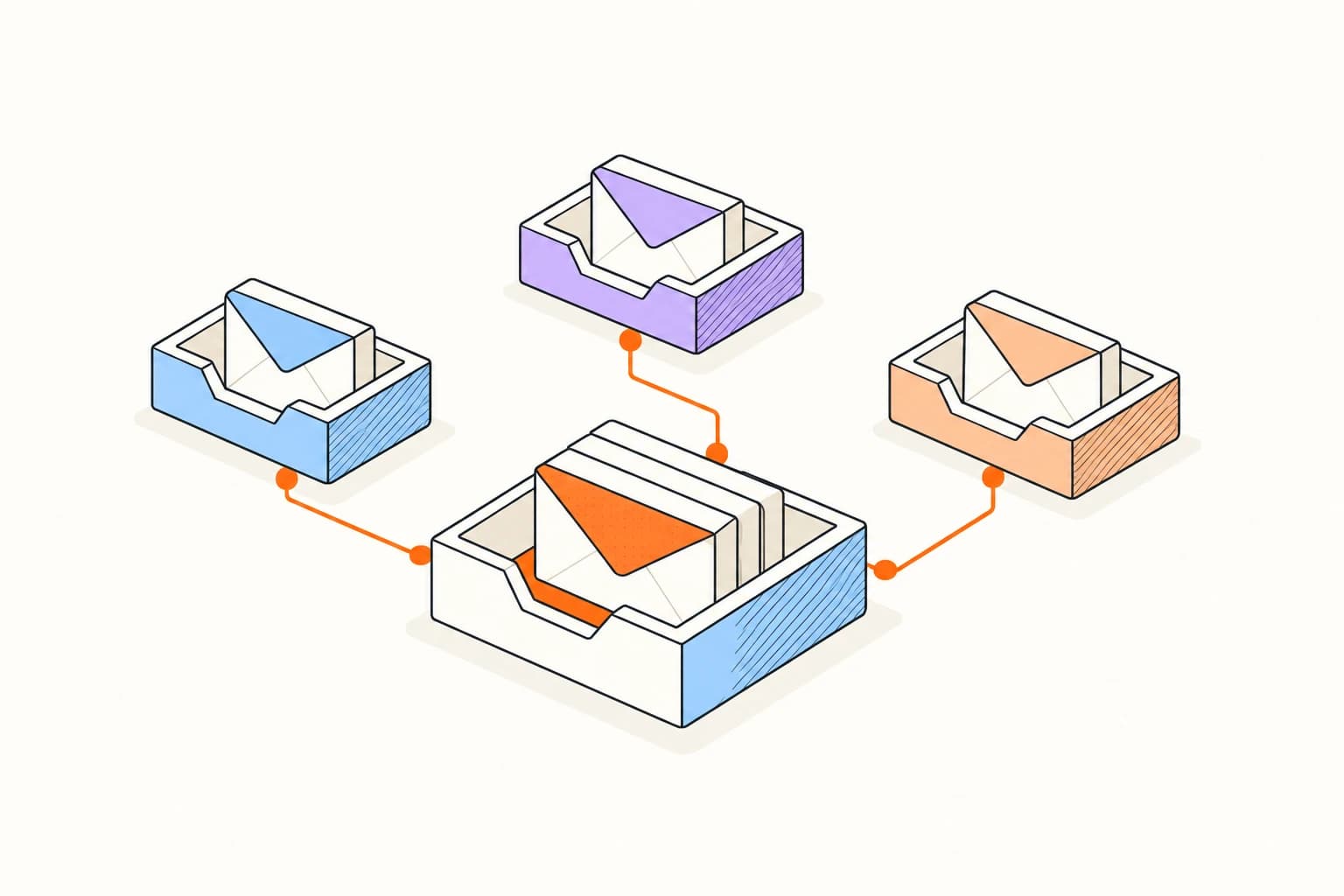
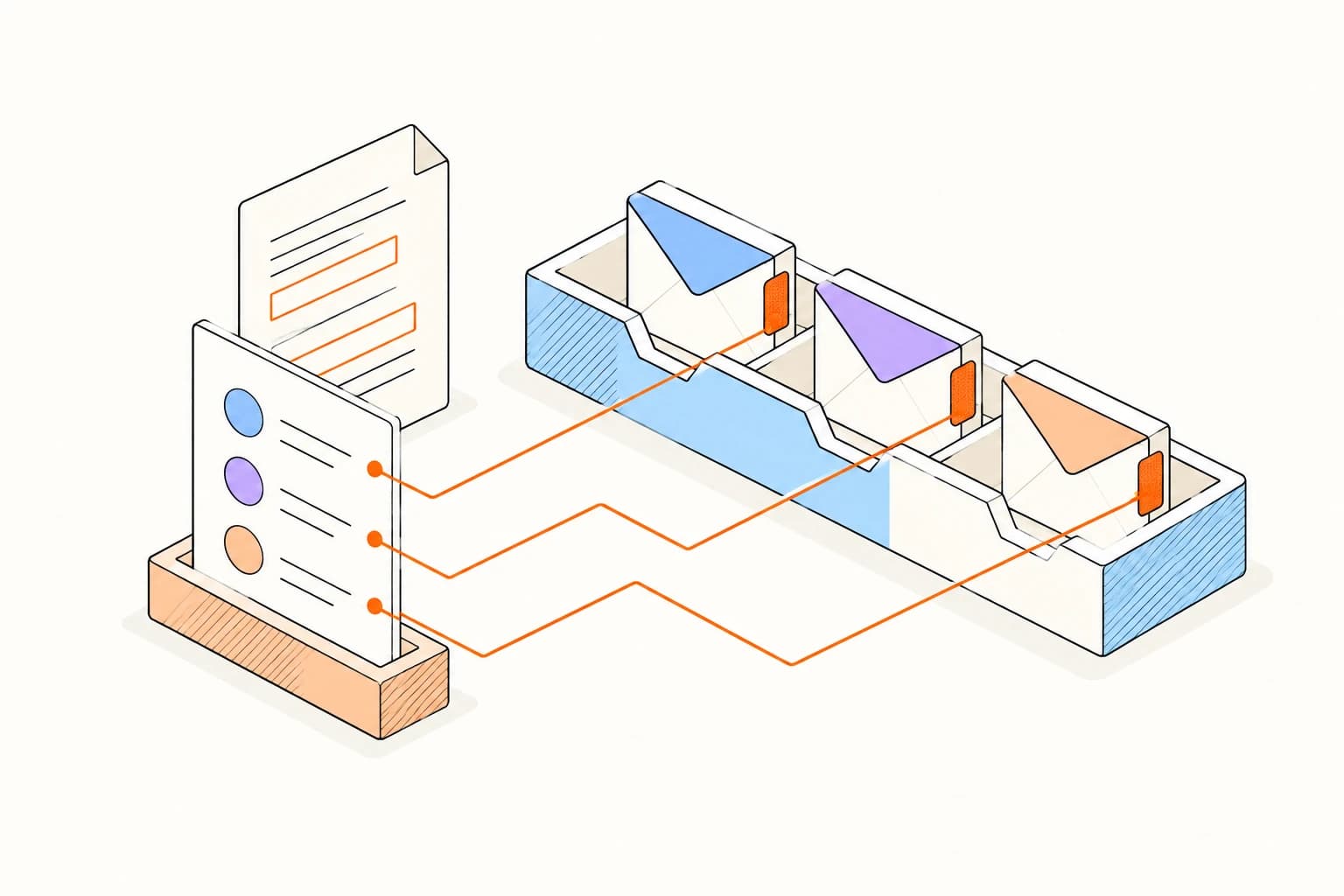
Add an address you control, complete verification, and review it alongside your connected inbox before sending.
Verify your sending identityConfigure your sending identitySend from a role or domain identity recipients recognize.
Keep distinct aliases verified under one operating account.
Surface authentication and identity gaps before an individualized launch.
The feature verifies and selects sender aliases; it does not sell domains or automatically provision DNS records.
Verification alone does not authorize every provider to send as the address or guarantee inbox placement. Provider configuration and domain authentication still matter.
Answers about setup, compatibility, privacy, and day-to-day use.
No. Purchase domains through your registrar and configure DNS with your domain provider. Elite verifies the sending address.
Send from a verified professional address.
