Know what happens after Send—inside Outlook.
Track important messages from Outlook on Windows, Mac, and the web, then return to the conversation with the activity in context.
No credit card required · Connect your existing inboxAlready installed? Finish setup Elite Add-in
- Outlook
- Outlook on the web
The message stays in Outlook. The context comes with it.
Prepare an important email, choose tracking, and keep the next action close. Use Elite alongside the Outlook tools your team already knows.
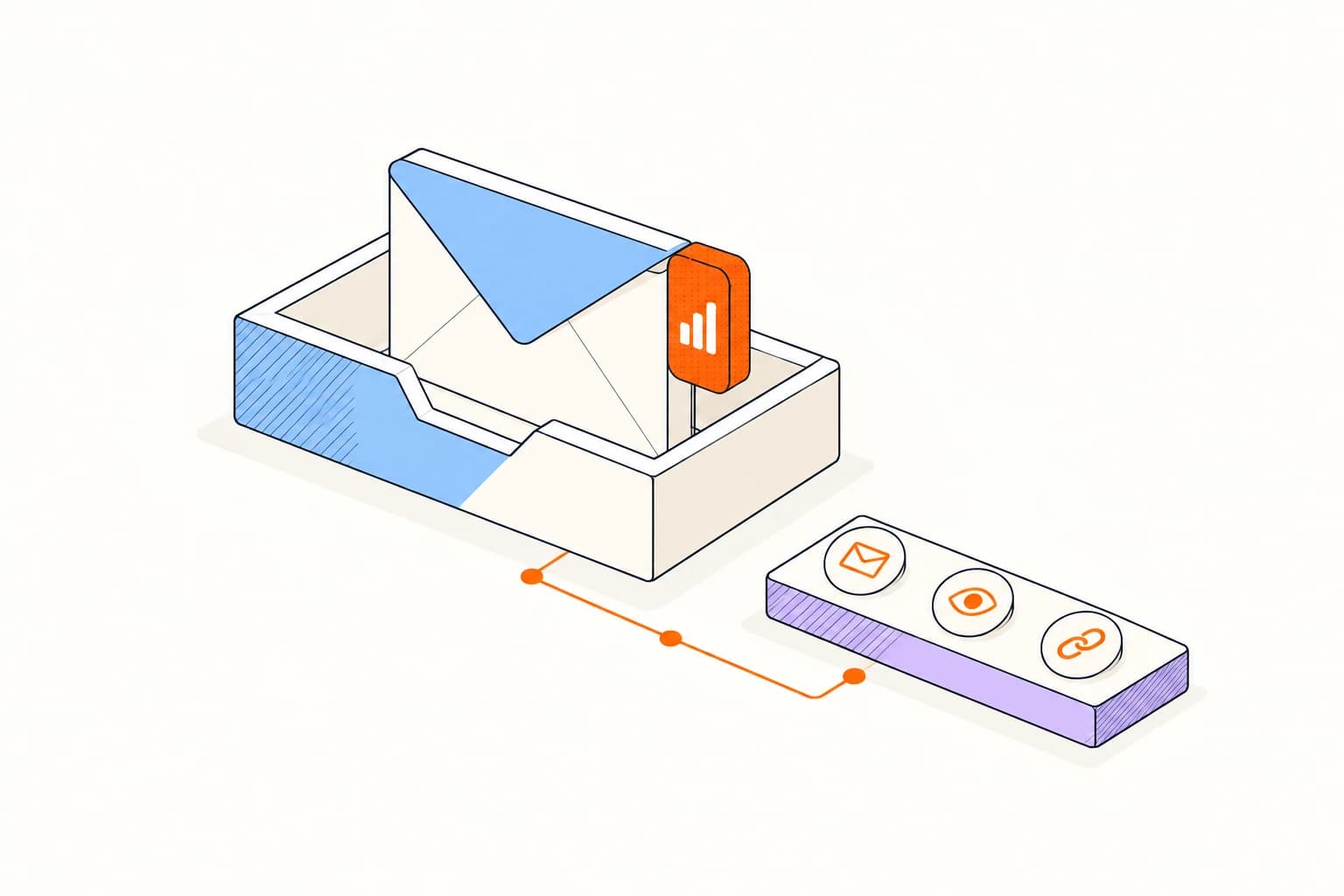
A few steps to your first tracked email.
Outlook on Windows, Mac, and the web
- 01
Install the Outlook add-in
Add Elite to Outlook and sign in to your account.
- 02
Choose Track this message
Open the Elite panel while composing and enable tracking for that email.
- 03
Send and review
Send from Outlook, then review the message’s activity in Elite.
A familiar inbox. Clear expectations.
See all platformsOutlook on Windows, Mac, and the web
Your organization may manage which Outlook add-ins you can install. Ask your administrator about deployment if installation is restricted.
The browser extension supports Outlook on the web. The add-in also works in Outlook on Windows and Mac.
Read about privacyA few things to know.
Answers about setup, compatibility, and everyday use.
The add-in supports Outlook on Windows, Mac, and the web. Your organization can manage installation through its add-in policies.
Give your next Outlook message a clearer next step.
Outlook on Windows, Mac, and the web
