
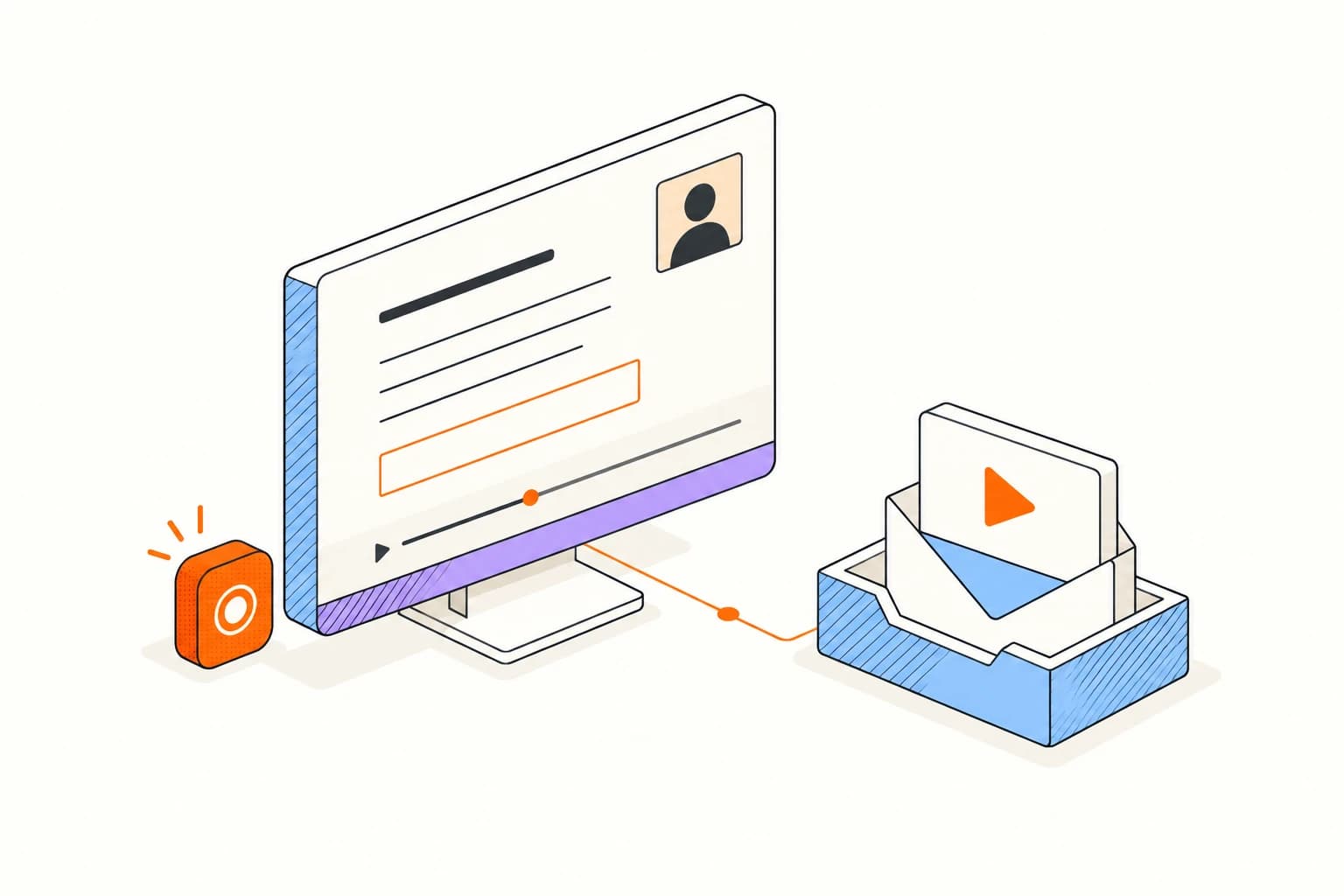
Prepare your recording environment.
Choose the capture mode and source that show exactly what you want to explain.
Record the screen, camera, or both and give the recipient a clear explanation they can watch in their own time.
Choose the capture mode and source that show exactly what you want to explain.
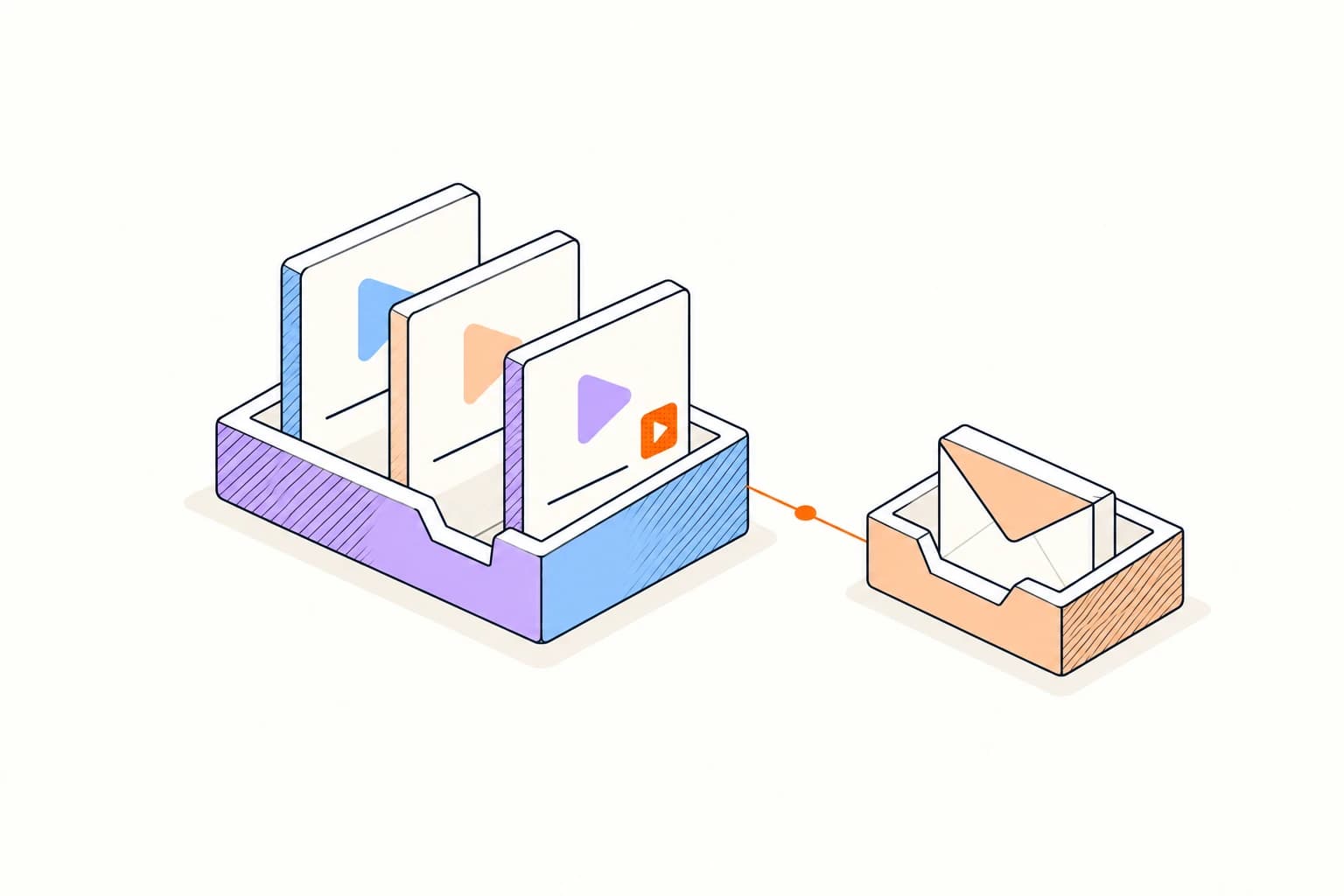
Record a concise walkthrough and prepare a shareable video link.
Choose the screen or camera you need, check the audio, and record a short walkthrough. Review it before sharing the link.
Record your first videoRecord and share a walkthroughReturn to a clear explanation you already recorded. Reuse its link and update the recording when the underlying work changes.
Show the relevant browser flow instead of writing a long sequence of instructions.
Use camera-only capture for a lightweight face-to-face message.
Combine screen and camera while talking through a proposal or deliverable.
The browser or operating system controls capture permission. Only the source you explicitly approve can be recorded.
Viewer activity describes requests to the hosted page; identity and watch depth depend on the issued link and viewer behavior.
Answers about setup, compatibility, privacy, and day-to-day use.
The hosted recording and its share link need an owner, storage policy, and activity history.
Record and share a quick video message.
