Evaluate an email tracker
Ask whether it exposes classification and attribution instead of promising perfect reads.
Learn how pixels, tracked links, privacy relays, scanners, proxies, and self-opens affect email tracking—and how to use the data without fooling yourself.
Free plan. No credit card needed.Useful context, not proof of a read.
An image may load without a person opening the message.
A security check can request a tracked link.
Learn how pixels and tracked links create activity, what automated requests mean, and how to follow up with useful context.
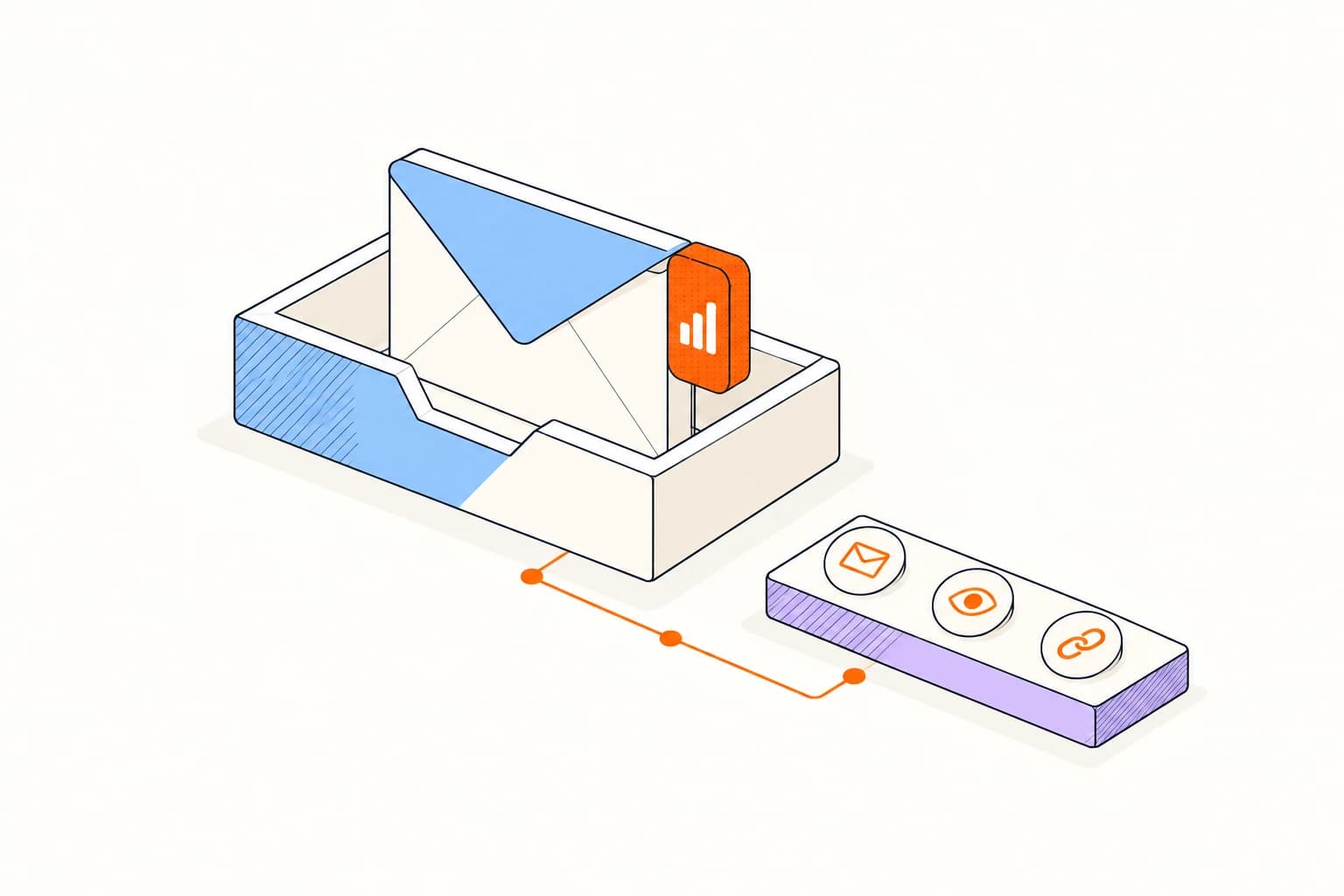
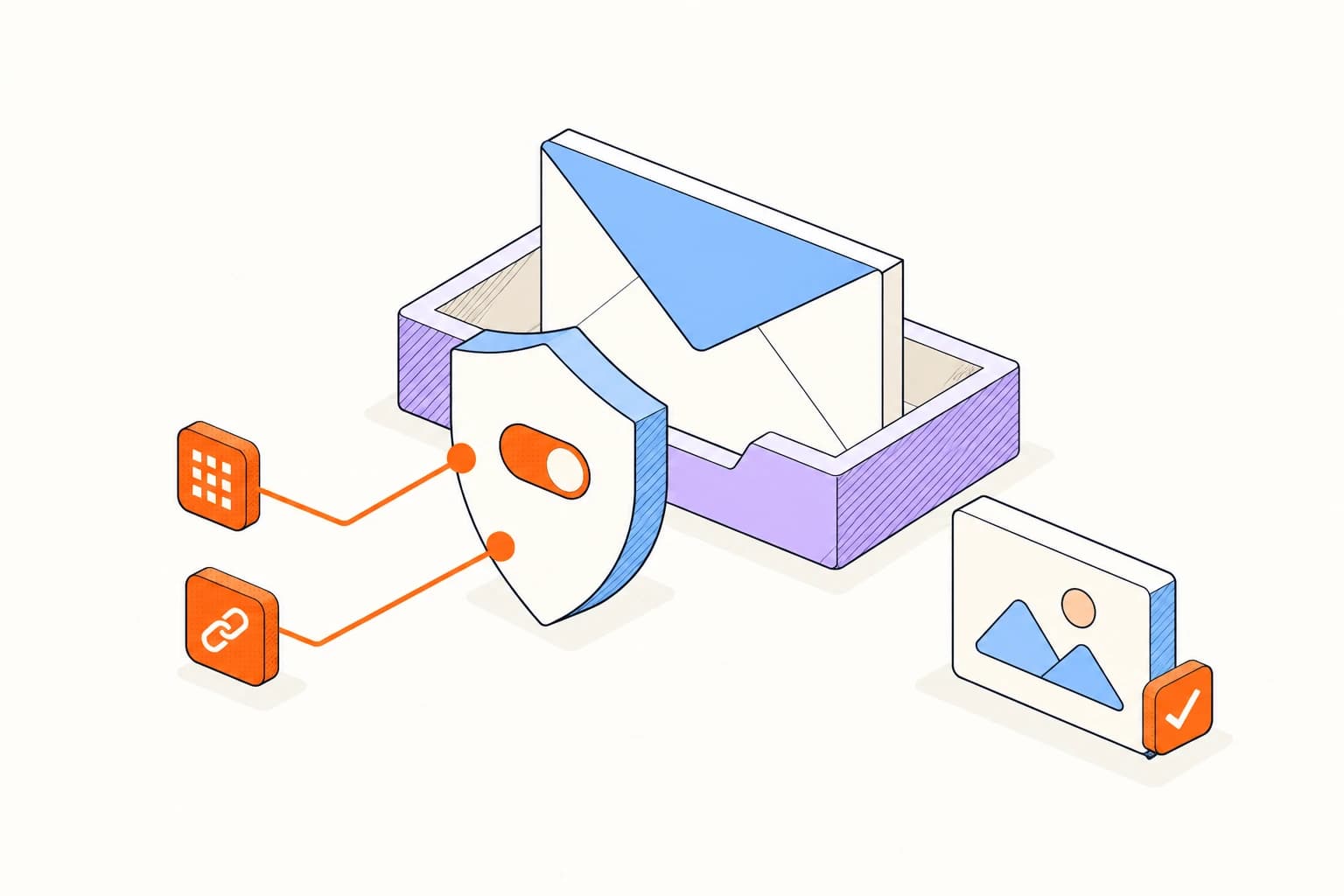
Connect your inbox, send a tracked message, and return to its activity before you follow up.
Start tracking freeSend your first tracked emailCheck the timeline for clicks and return activity. Treat an open as one piece of context, then decide what the conversation needs.
Ask whether it exposes classification and attribution instead of promising perfect reads.
Recognize that a proxy or scanner can request content before a person intentionally reads.
Agree on respectful language and acceptable uses before sharing tracking across a team.
No email tracking system can prove comprehension or intent from an image or link request.
Privacy laws, consent rules, employment policy, education policy, and professional duties can affect whether and how tracking should be used.
Answers about setup, compatibility, privacy, and day-to-day use.
No. It proves that the pixel URL was requested under the recorded conditions.
Learn how email tracking really works.
