Interview arrangements
Keep the agreed time, candidate documents, and explicit confirmations together.
Run personal outreach, reuse approved language, coordinate follow-ups, share offer documents, and collect signatures with the person still at the center.
Create a free account. Available on Pro.See plansSummit People
Keep the agreed time, candidate documents, and explicit confirmations together.
Prepare an offer for signature and check outstanding requests.
Collect forms, acknowledgements, and signatures. Use completed tasks and responses to track progress.
Organize outreach, interview follow-ups, and offer documents around the person you are hiring.
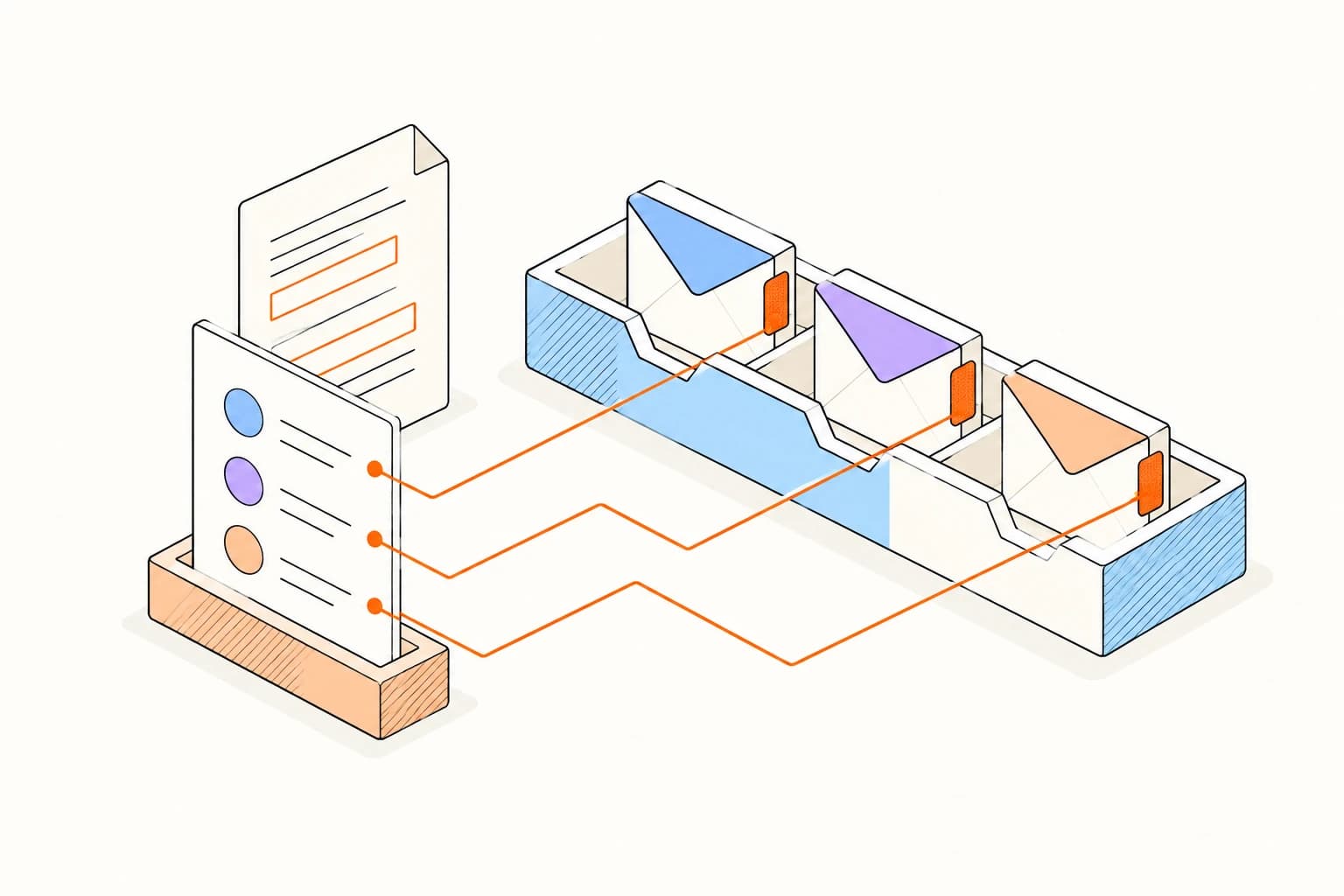
Use candidate fields and approved language to prepare individual messages from your own inbox.

Set no-reply reminders on scheduling messages and return to the original thread when it is time to follow up.
Add the people you are working with, group them into useful lists, and save the details you will want before the next conversation.
Organize your contactsOrganize your first contact listRead the last note, check the shared files, and pick up where you left off. Add the next useful detail after the conversation.
Candidate tracking must follow applicable employment, privacy, consent, and record-retention rules.
An open or document view does not reveal a candidate's intent and should not become an automated employment decision signal.
Answers about setup, compatibility, privacy, and day-to-day use.
Yes. That is why link requests are classified and scanner activity stays separate from likely-human engagement.
Keep the process organized and the candidate experience personal.
