Family forms
Share the required form and keep a list of responses still outstanding.
Use reusable messages, document sharing, tracking context, and reminders for students, families, departments, recommendations, and research collaboration.
Create a free account. Available on Pro.See plansThanks for the conversation. Here is a summary of the next steps we discussed.
Share the required form and keep a list of responses still outstanding.
Prepare a reminder for a colleague’s reply or a document you’re waiting for.
Keep contacts, shared files, and follow-up dates together. An open is not evidence of participation.
Bring individualized announcements, shared materials, and follow-up reminders into your everyday email workflow.
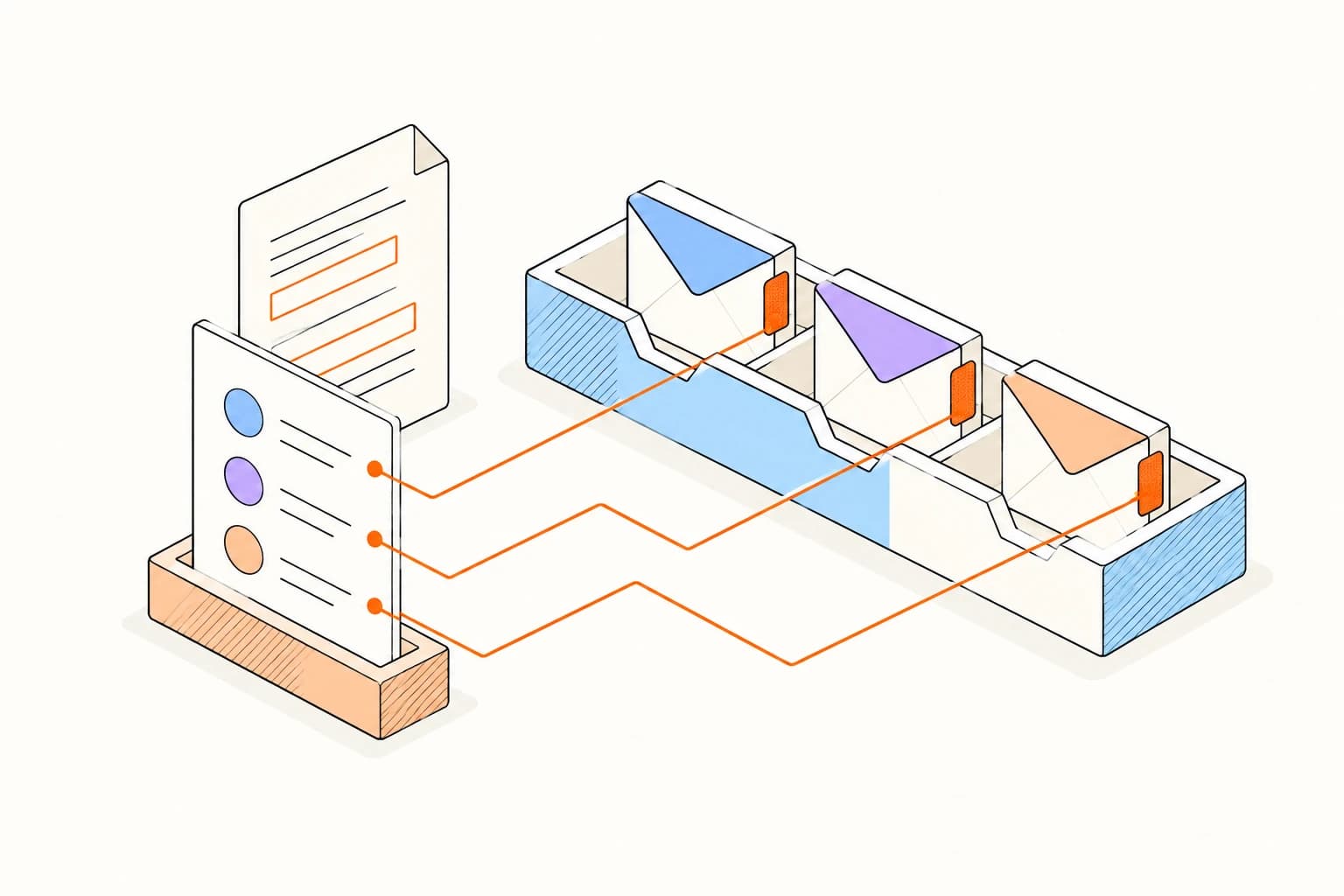
Preview recipient names and departments before sending separate messages from your connected inbox.

Return to the original conversation with a reminder and the programme details close at hand.
Give the message a useful name, save it to your library, and leave room for the personal details you will change each time.
Build your email libraryCreate your first templateSave the useful language while the conversation is fresh. Keep the library small, current, and easy for your team to trust.
Do not use email tracking as a proxy for attendance, learning, disability status, effort, or academic performance.
Schools should assess FERPA, local privacy rules, consent, procurement, accessibility, and record-retention requirements before deployment.
Answers about setup, compatibility, privacy, and day-to-day use.
No. Image requests are imperfect signals and may be blocked, proxied, or automated.
Make important information easier to send and follow through on.
