Track the important email you send from your phone.
Add tracking while composing in the Gmail mobile app and keep the resulting activity connected to the same Elite workspace.
No credit card required · Connect your existing inboxAlready installed? Finish setup Elite Activity
- iPhone & iPad
- Android
Stay in Gmail. Keep the conversation in view.
Add tracking to an important message while you’re away from your desk. Review its activity in Elite and return to the conversation with more context.
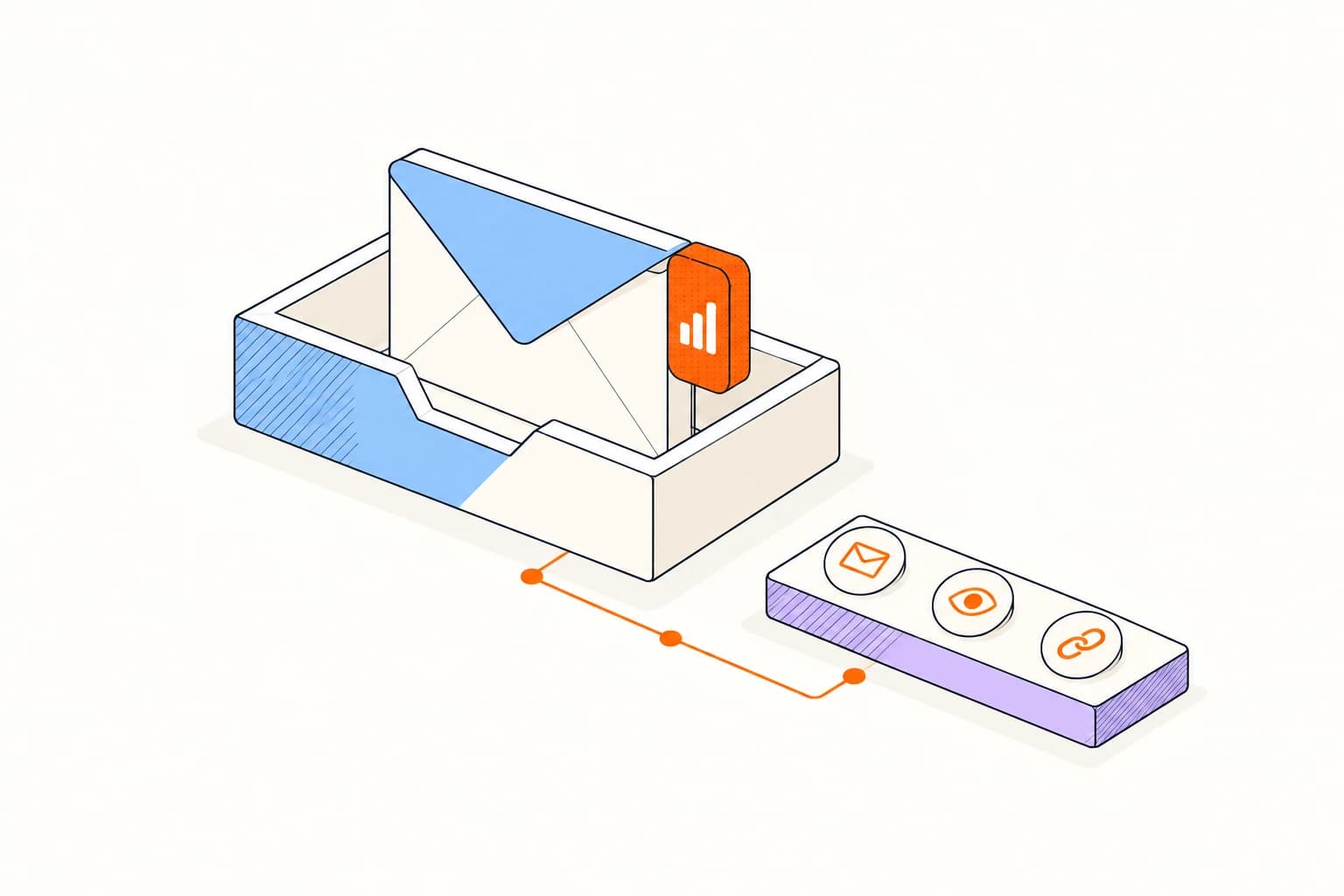
A few steps to your first tracked email.
Gmail on iPhone, iPad, and Android
- 01
Add Elite to Gmail
Install the Gmail add-on and connect your Elite account.
- 02
Write your message
Open the Elite add-on while composing in the Gmail mobile app.
- 03
Insert the tracker
Choose Insert secure tracker, then send your message from Gmail.
A familiar inbox. Clear expectations.
See all platformsGmail on iPhone, iPad, and Android
Tracking is added per message through the add-on. For Gmail in a desktop browser, use the browser extension.
Read about privacyA few things to know.
Answers about setup, compatibility, and everyday use.
No. The add-on works inside Gmail on your phone or tablet.
Take better follow-through with you.
Gmail on iPhone, iPad, and Android
