Missing client documents
Create a checklist of required files and review what still needs to be returned.
Share controlled files, keep client history together, track document activity, follow up on missing items, and collect signatures with a clear completion record.
Create a free account. Available on Pro.See plansCreate a checklist of required files and review what still needs to be returned.
Prepare the agreement for signature and check outstanding signers.
Set a reminder or prepare a check-in for the date agreed with your client.
Bring review correspondence, controlled files, and signature requests into an organized client workflow.
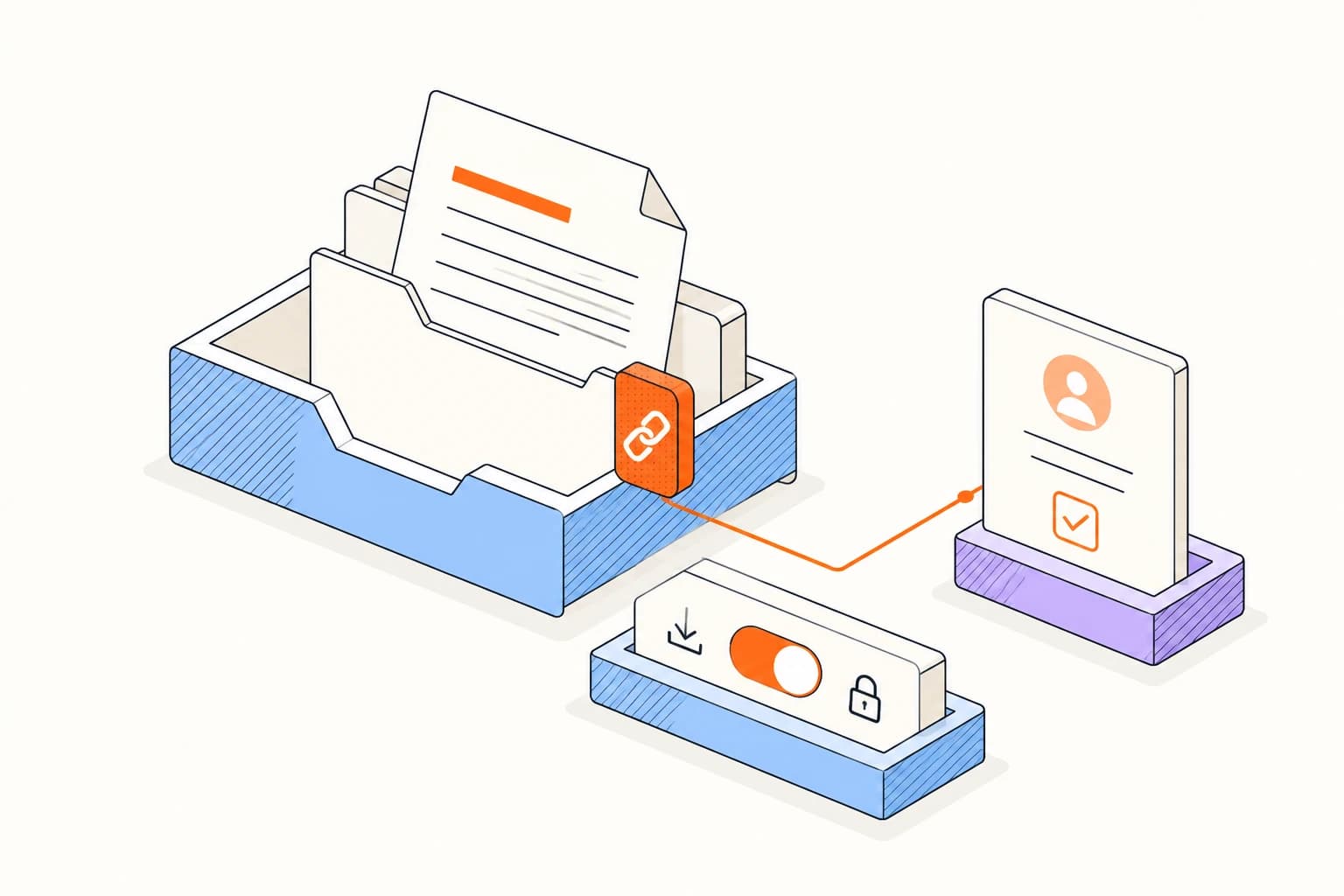
Create recipient links with the expiration and download settings the review requires.
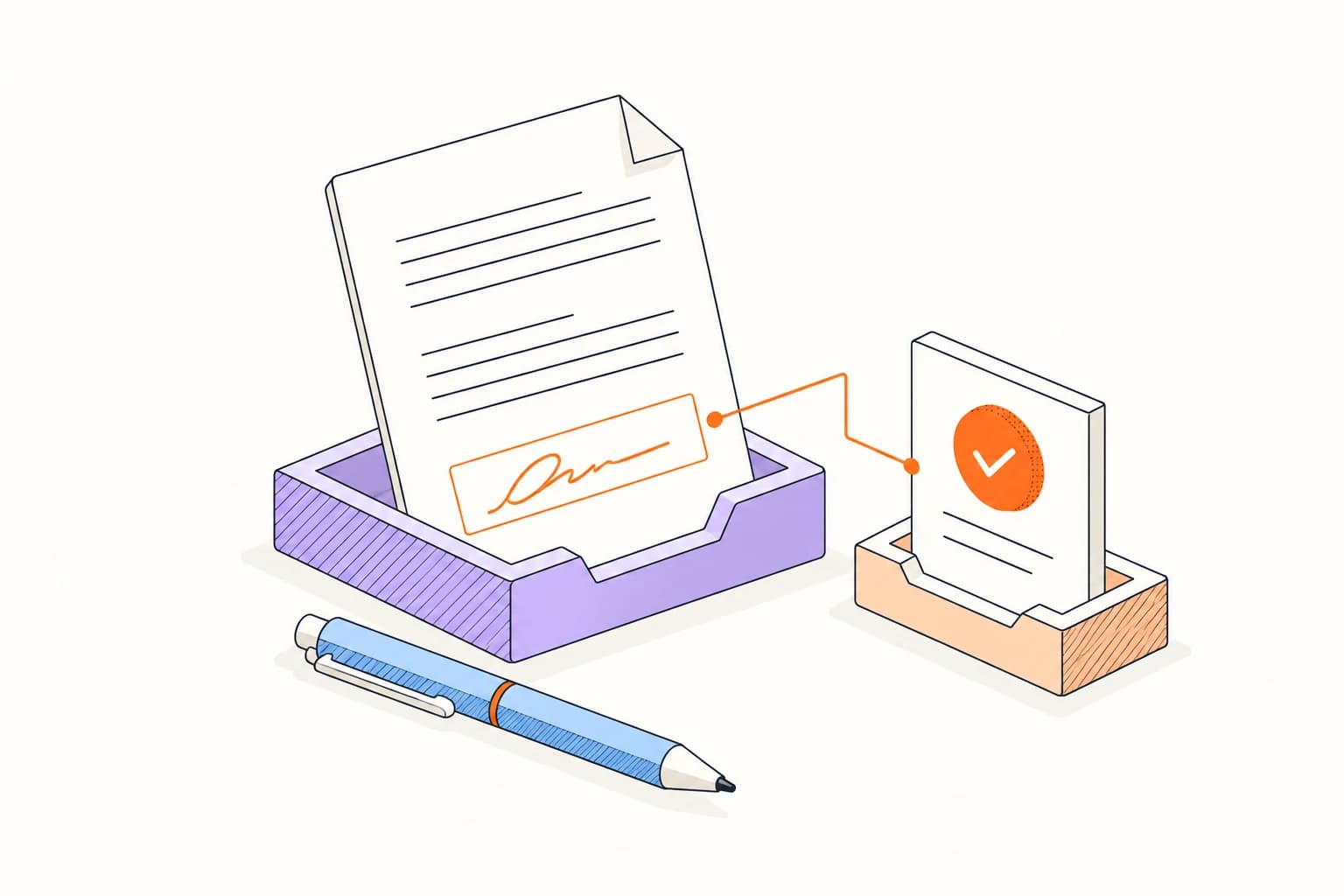
Assign approval fields and retain the completed agreement alongside its signature evidence.
Upload the file, prepare access for one recipient, and decide how long the link should stay available.
Share a controlled documentPrepare your first document linkReview the people who still need access. Adjust each link independently and close access when the work is finished.
Whether a link is appropriate for tax, financial, or regulated personal data depends on your security, contractual, professional, and jurisdictional obligations.
Email tracking and document viewing do not prove that a client understood or approved a statement.
Answers about setup, compatibility, privacy, and day-to-day use.
Yes. The controlled content endpoint rejects download requests when the link policy disallows them.
Know which client files and approvals are still outstanding.
