Serious email tracking, properly at home in Firefox.
Track opens and clicks, manage follow-ups, and protect yourself from incoming trackers without leaving Firefox.
No credit card required · Connect your existing inboxAlready installed? Finish setup
 Elite Activity
- Gmail
- Outlook on the web
- Yahoo Mail
Your usual email. A more useful next step.
Send the proposal, see the activity, and bring the conversation back when it needs you. Elite adds the context around the message, right where you work.
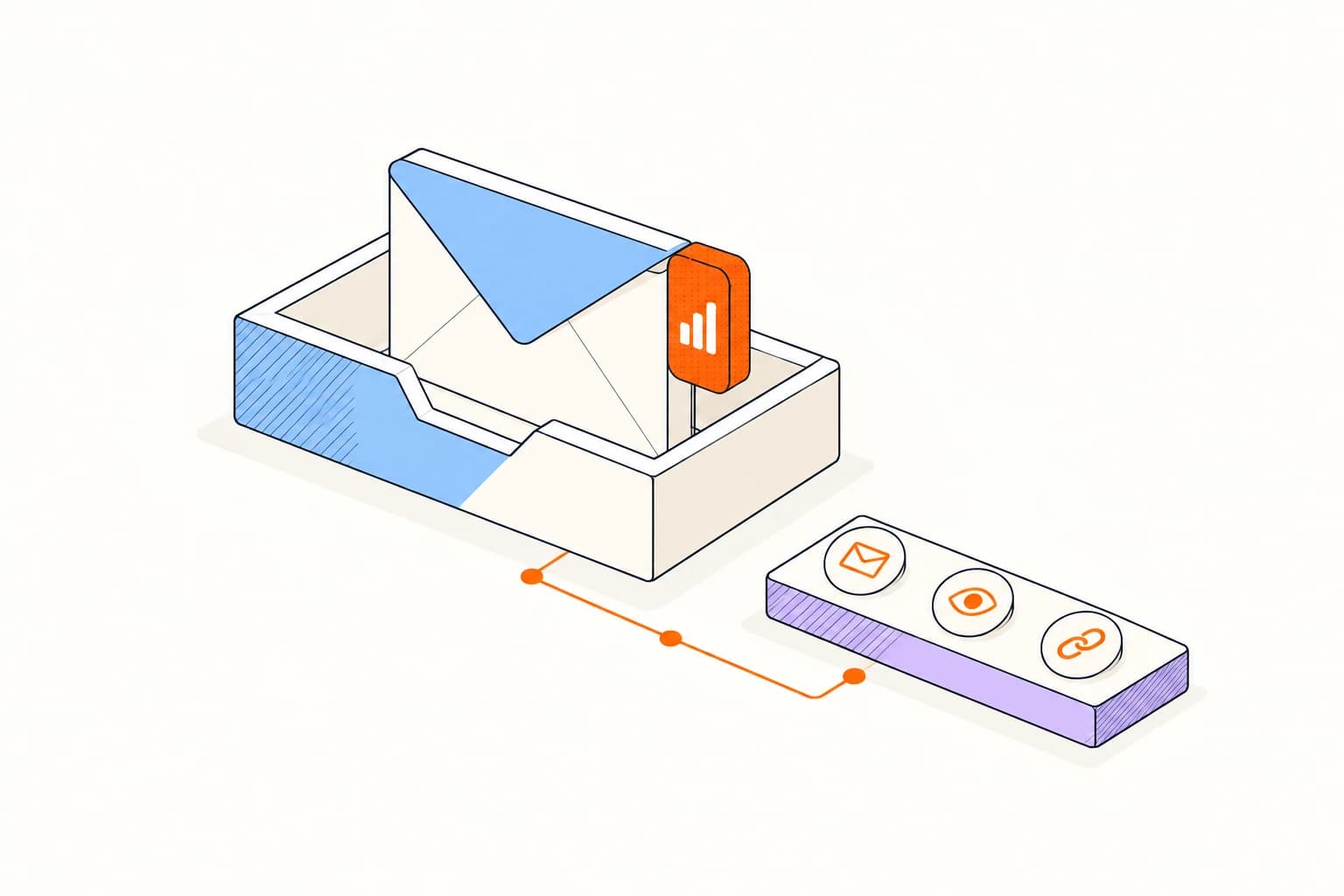
A few steps to your first tracked email.
Gmail, Outlook on the web, and Yahoo Mail
- 01
Add Elite to Firefox
Install Elite Mail Suite from Firefox Add-ons and review the requested permissions.
- 02
Connect your account
Open Elite Mail Suite from Firefox’s Extensions menu and choose Connect. Sign in and approve this installation.
- 03
Open your inbox
Open or refresh Gmail, Outlook on the web, or Yahoo Mail. Complete any inbox connection prompt, then send your first tracked message.
A familiar inbox. Clear expectations.
See all platformsGmail, Outlook on the web, and Yahoo Mail
Activity refreshes periodically in Firefox, so a new event may take a little time to appear.
The extension works in desktop webmail. For the native Gmail and Outlook apps, choose the corresponding add-on.
Read about privacyA few things to know.
Answers about setup, compatibility, and everyday use.
Use Gmail, Outlook on the web, or Yahoo Mail in Chrome, Microsoft Edge, or Firefox. The extension adds controls to your existing inbox.
Send with context. Follow through with confidence.
Gmail, Outlook on the web, and Yahoo Mail
