See conversations come alive
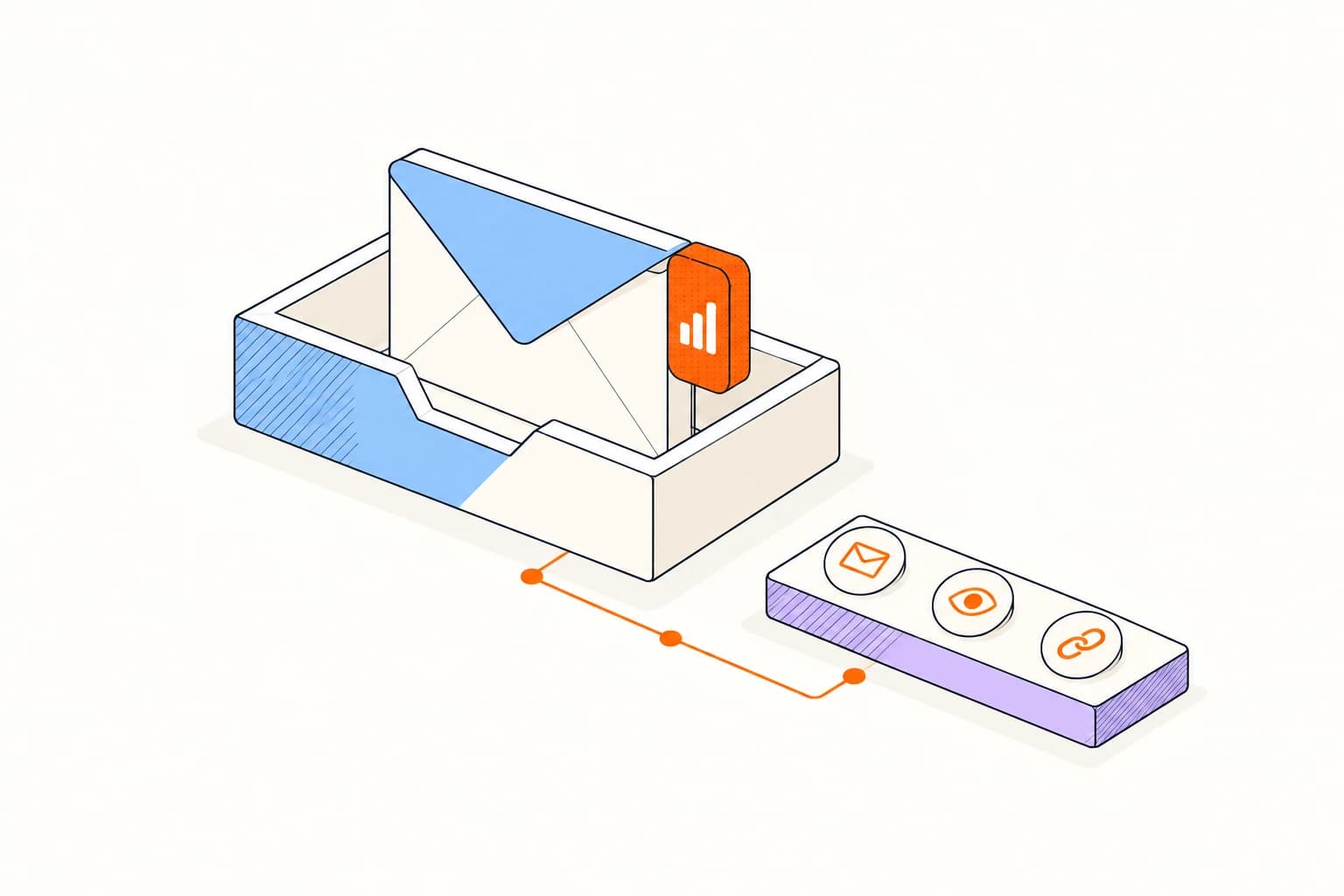
Track opens, clicks, and return activity beside the messages you send. Open the timeline when a conversation deserves attention.
Track opens and clicks, use templates and outreach tools, see contact context, share tracked documents, record video, and bring follow-up actions into the Gmail experience you already know.
Email tracker for Gmail · Elite Email Tracker
Gmail web in Chrome, Edge, and Firefox · Gmail mobile on iPhone, iPad, and Android
 Elite Activity
Track opens, clicks, and return activity beside the messages you send. Open the timeline when a conversation deserves attention.
Use templates, personalized outreach, contact context, tracked documents, and video without rebuilding the message elsewhere.
Bring a quiet conversation back with a reminder, prepare a provider draft, or authorize an automatic follow-up.
Write and send from Gmail. See when conversations come alive and when an old conversation wakes back up.
Elite separates likely-human activity from privacy protection, image proxies, scanners, sender activity, and uncertain events. Spend your attention on signals that help you choose the next action.
Choose Chrome, Edge, or Firefox for Gmail web, or install the Gmail Workspace add-on for the mobile app.
Sign in to Elite. Connect Gmail access for the mailbox, campaign, or workflow features you choose.
Send normally on the web; on mobile, choose Insert secure tracker. Review the activity and choose the next action.
Answers about setup, compatibility, and everyday use.
Install Elite Email Tracker in Chrome, Edge, or Firefox, sign in, and refresh Gmail. Write and send normally. In the Gmail mobile app, install the Workspace add-on and choose Insert secure tracker in compose.
Gmail web in Chrome, Edge, and Firefox · Gmail mobile on iPhone, iPad, and Android
